python django

django实现简单的资产管理平台

标签:python


自学python有一段时间了,难得有时间自己写了一个简单的资产管理平台.用AdminLTE做为前端页面django做为后台采用paramkio模块连接服务器并从服务器中提取数据。
开发环境
centos 7
python 2.7
django 1.11.8

登陆模块
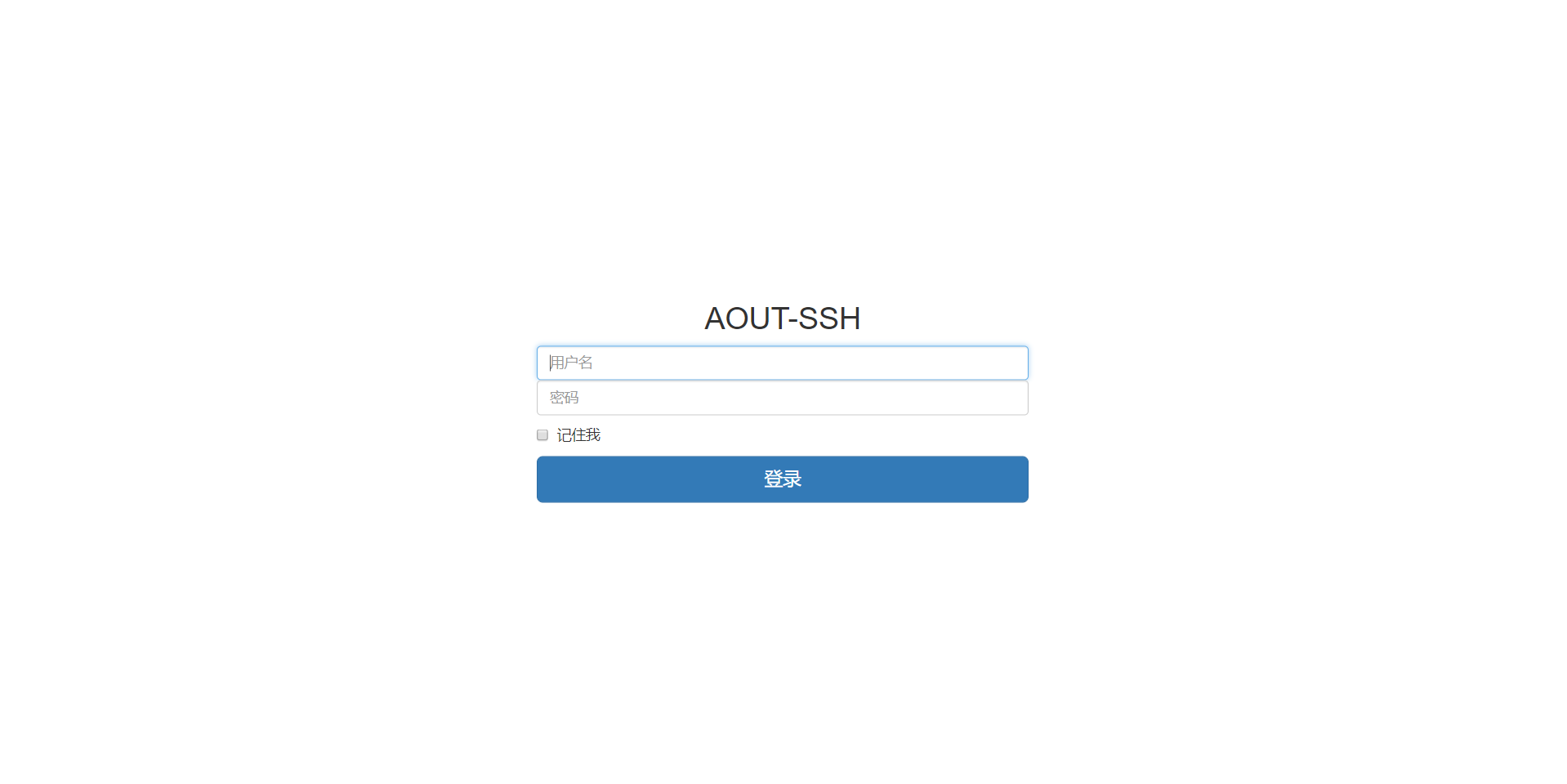
Image text
部分代码

1
2
3
4
5
6
7
8
9
10
11
12
13
14
15
16
17
18
def login(request):
if request.session.get('is_login',None):
return redirect('/index/')
if request.method == "POST":
username = request.POST.get('username')
password = request.POST.get('password')
if username and password:
try:
# p = user.objects.get(name = u).password
user = models.user.objects.get(name = username)
except:
return render(request,'login.html')
if password == user.password:
request.session['is_login'] = True
request.session['user_id'] = user.id
request.session['user_name'] = user.name
return redirect('/index/')
return render(request, 'login.html')

对登陆做出限制写一个限制登陆访问的装饰器

1
2
3
4
5
6
7
def my_login(func):
def check_login(request):
if request.session.has_key('user_id'):
return func(request)
else:
return redirect('/login/')
return check_login

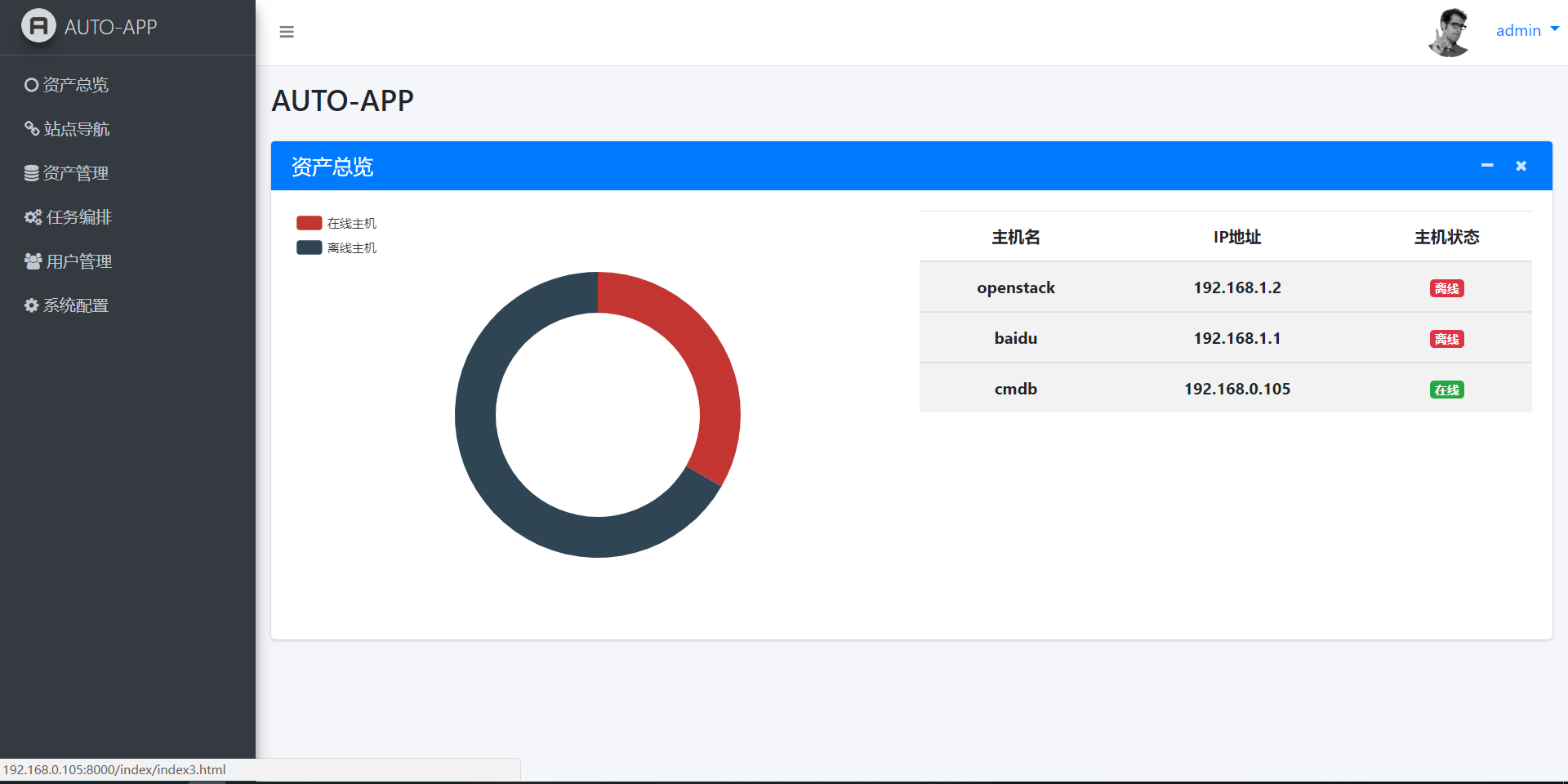
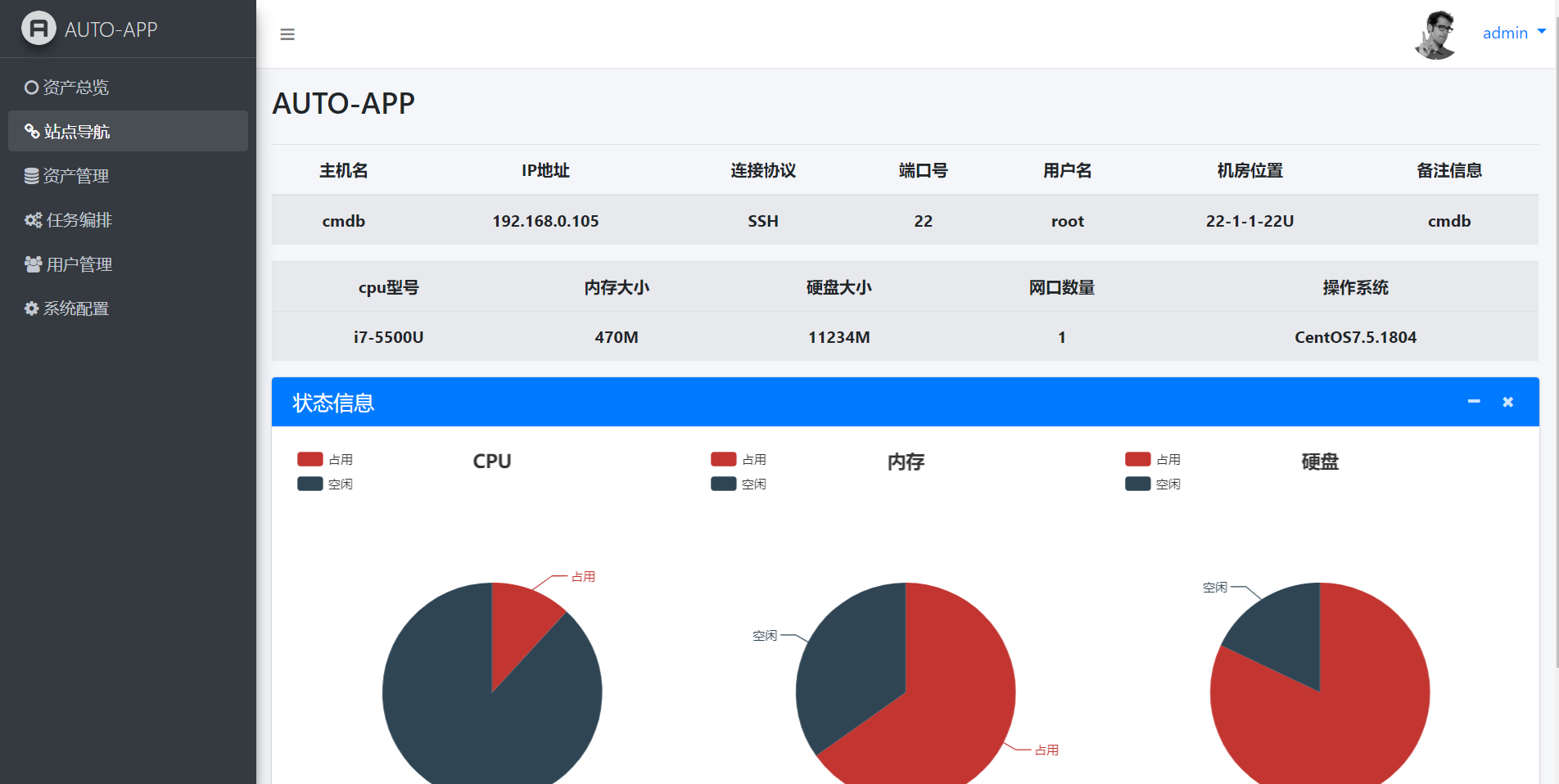
资产总览
Image text
图形用的是开源的echarjs贴出
部分代码

1
2
3
4
5
6
7
8
@my_login
def index(request):
dev = models.device.objects.all()
on = models.device.objects.filter(state='True').count()
off = models.device.objects.filter(state='False').count()
on_dev = int(on)
off_dev = int(off)
return render(request, 'index.html',locals())

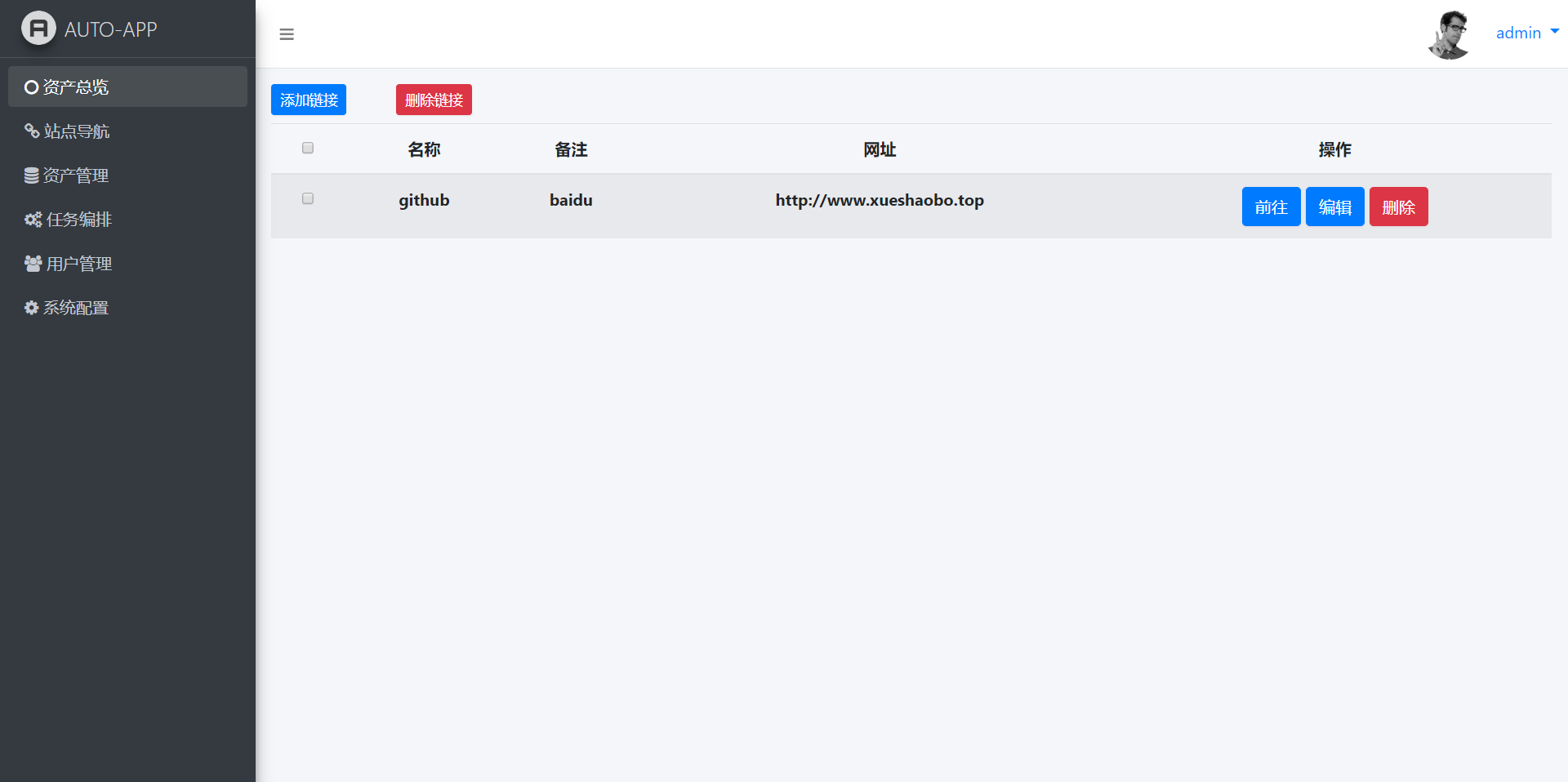
站点连接
Image text
方面添加连接一键直达
部分代码

1
2
3
def index1(request):
linklist =models.link.objects.all()
return render(request, 'index1.html',{"link":linklist})

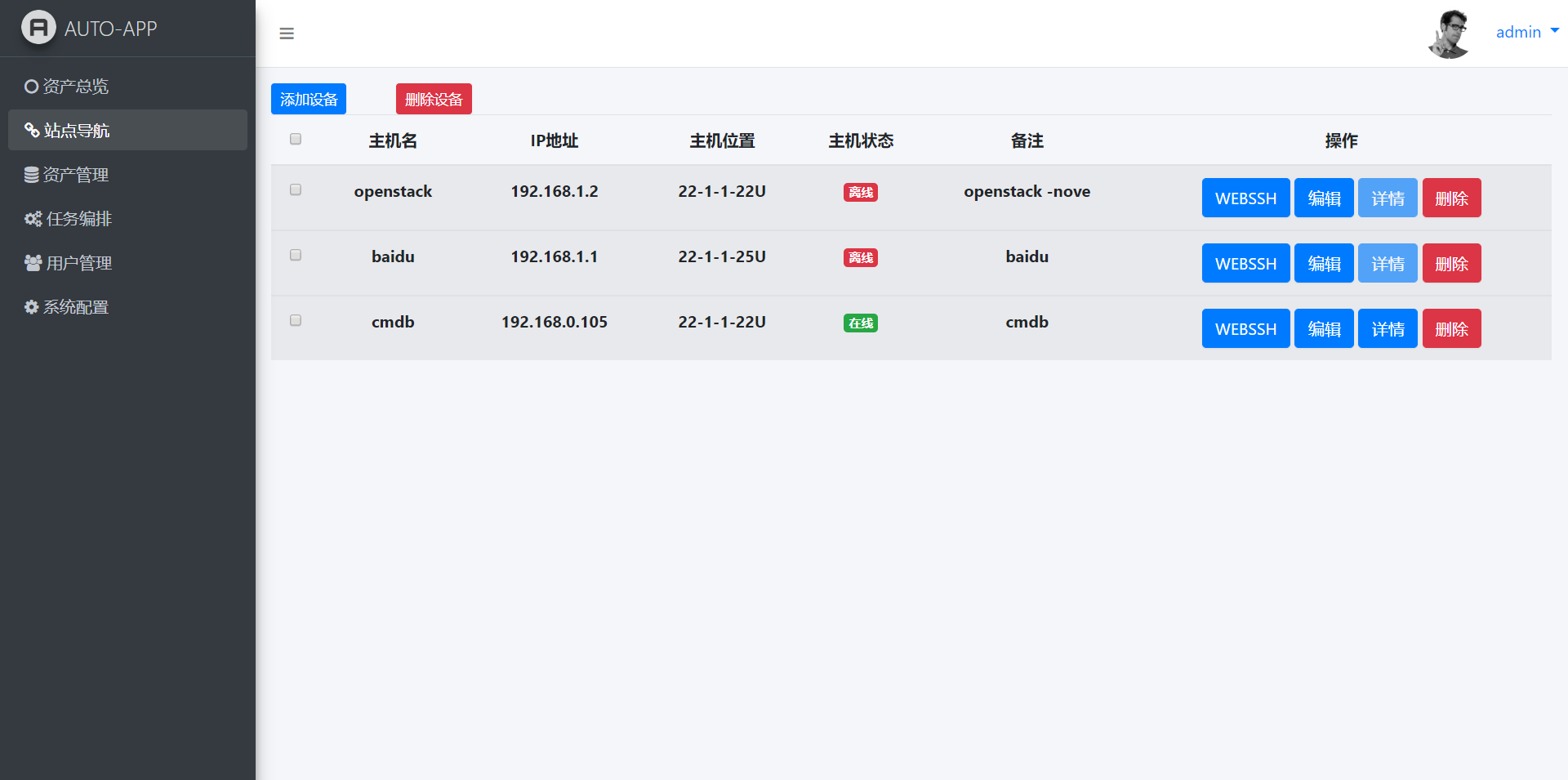
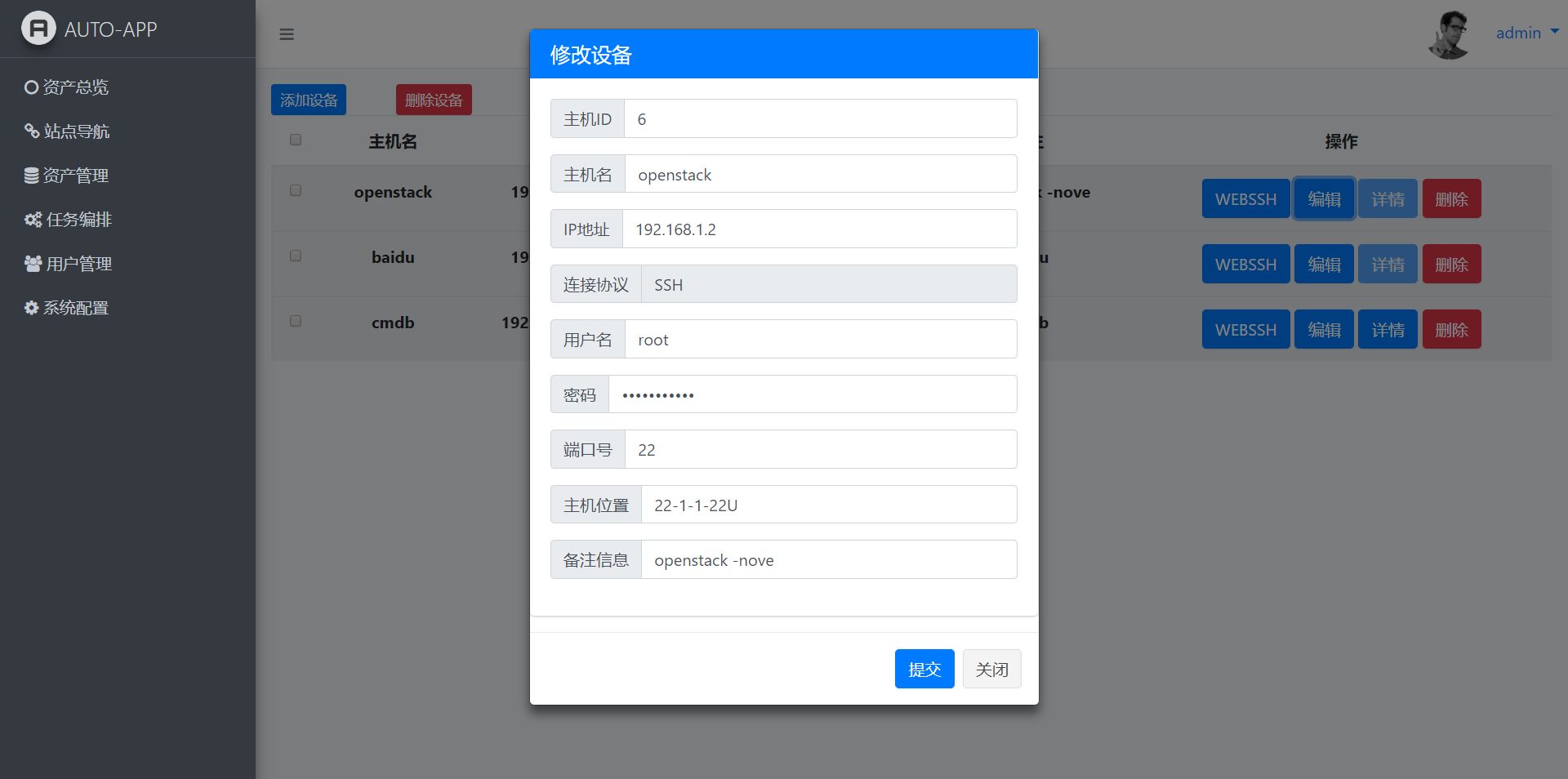
资产管理
Image text
Image text
Image text
有基本的增删该查的功能,用了paramiko模块远程ssh提取数据速度不是很理想,后期可以用ajax做异步处理,或是考虑用salt或是agent。
部分代码

1
2
3
4
5
6
7
8
9
10
11
12
13
14
15
16
17
18
19
20
21
22
23
24
25
26
27
28
29
30
31
32
33
34
35
36
37
38
39
40
41
42
43
44
45
46
47
48
49
50
51
52
53
54
55
56
57
58
59
60
@my_login
def index2(request):
# dev = models.device.objects.all()

# for i in dev:
# link = sshv1.sshlink(i.ip,i.port,i.uname,i.password)
# up = models.device.objects.get(ip=i.ip)
# up.state = link
# up.save()

devlist = models.device.objects.all()

return render(request, 'index2.html',{"dev":devlist})

def add_dev(request):
if request.method == "POST":
add_hname = request.POST.get('hname')
add_ip = request.POST.get('ip')
add_uname = request.POST.get('uname')
add_pwd = request.POST.get('password')
add_port = request.POST.get('port')
add_position = request.POST.get('position')
add_remarks = request.POST.get('remarks')
port = int(add_port)
add_state = sshv1.sshlink(add_ip,port,add_uname,add_pwd)
add=models.device.objects.create(hname=add_hname,ip=add_ip,protoclo="SSH",uname=add_uname,password=add_pwd,port=add_port,$

return redirect('/index2/')

def edit_dev(request):
if request.method == "POST":
up_id = request.POST.get('id')
up_hname = request.POST.get('hname')
up_ip = request.POST.get('ip')
up_uname = request.POST.get('uname')
up_pwd = request.POST.get('password')
up_port = request.POST.get('port')
up_position = request.POST.get('position')
up_remarks = request.POST.get('remarks')
port = int(up_port)
up_state = sshv1.sshlink(up_ip,port,up_uname,up_pwd)
up = models.device.objects.get(id=up_id)
up.hname = up_hname
up.ip = up_ip
up.uname = up_uname
up.password = up_pwd
up.port = up_port
up.position = up_position
up.remarks = up_remarks
up.save()
return redirect('/index2/')

def del_dev(request):
try:
idlist = request.GET['id']
for i in idlist.split(','):
info = models.device.objects.get(id=i).delete()
return redirect('/index2/')
except:
return redirect('/index2/')

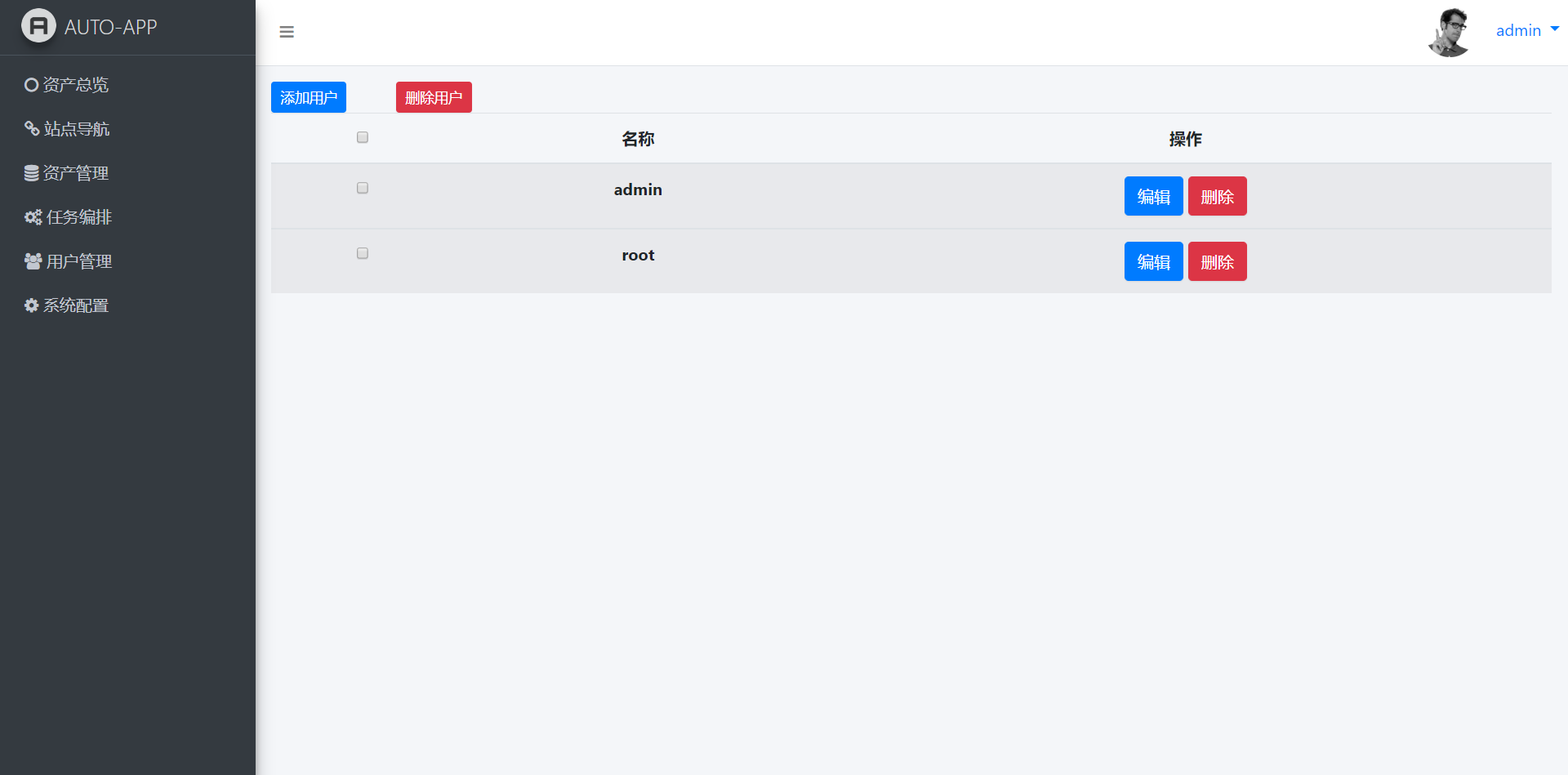
用户管理
Image text
也是基本增删改功能,后期可以添加组实现资产权限管理
部分代码
与上面代码基本一致,在此不贴出。

服务器发布
建议采用django+uwsgi+nginx
uwsgi配置

1
pip install uwsgi #环境安装
1
2
3
4
5
6
7
8
9
10
11
12
13
14
15
16
17
18
19
#新建uwsgi.ini文件
[uwsgi]
chdir=/root/myapp/
module=myapp.wsgi:application
socket=/root/main/uwsgi.sock
workers=5
pidfile=/root/main/uwsgi.pid
http=192.168.0.105:8000
static-map=/static=/root/myapp/static
uid=root
gid=root
master=true
vacuum=true
thunder-lock=true
enable-threads=true
harakiri=30
post-buffering=4096
daemonize=/root/main/uwsgi.log
buffer-size =65535
1
/usr/bin/uwsgi --ini uwsgi.ini

nginx配置

1
2
yum install epel-release #环境安装
yum install nginx
1
2
3
4
5
6
7
8
9
10
11
12
13
14
15
16
17
18
19
20
21
22
23
24
#nginx.conf添加一个server
server {
listen 80;
server_name 192.168.0.105 ;
access_log /var/log/nginx/access.log main;
charset utf-8;
gzip_types text/plain application/x-javascript text/css text/javascript application/x-httpd-php application/json text/json$

error_page 404 /404.html;
error_page 500 502 503 504 /50x.html;

location / {
include uwsgi_params;
uwsgi_connect_timeout 30;
uwsgi_pass unix:/root/main/uwsgi.sock;
}


location /static/ {
alias /root/myapp/static/;
index index.html index.htm;
}

}